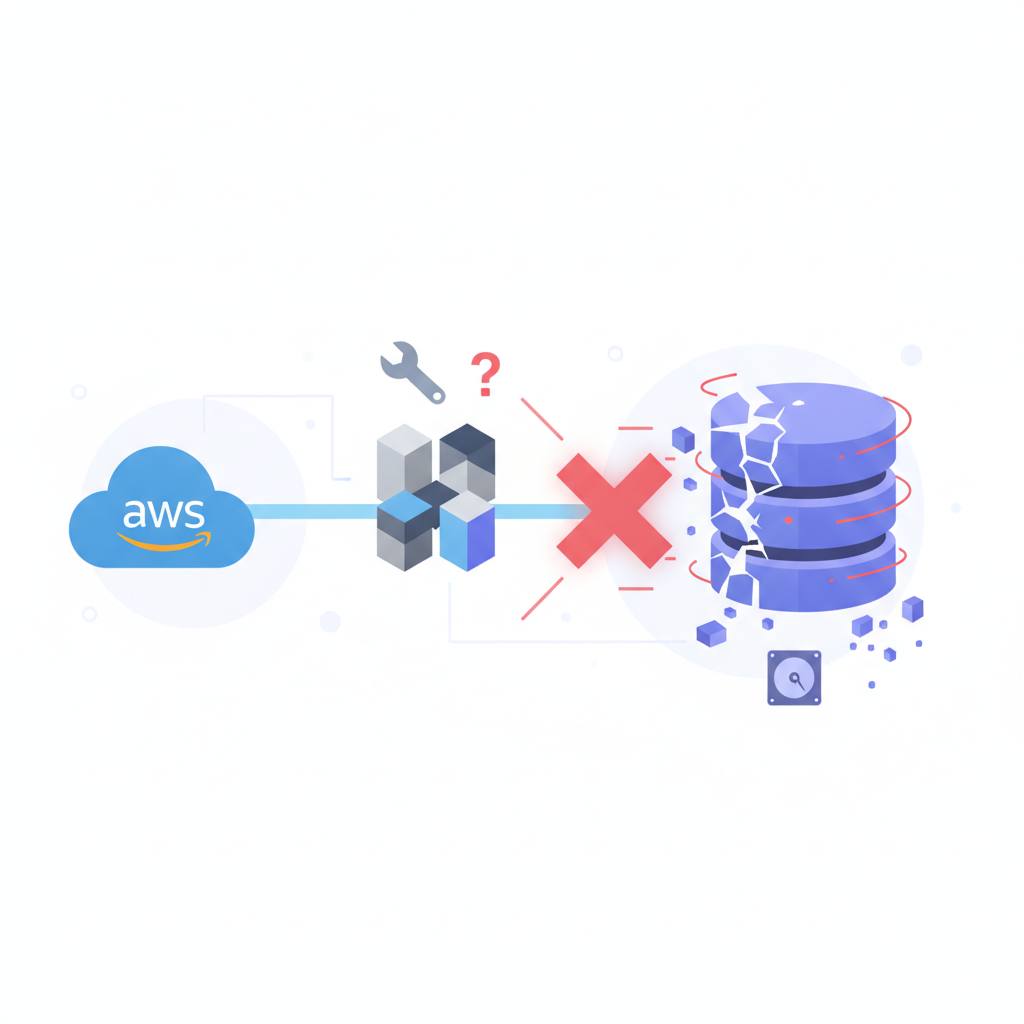
AWS has ended support for the Copilot CLI, but if you're using it, be warned! Deleting your Copilot stacks improperly can erase your databases and critical production resources, as they are designed to be destructive upon removal.
Are you using AWS Copilot for your services? There's a crucial warning you need to be aware of. While AWS officially ended support for the Copilot CLI on June 12, 2026, and archived its repository ten days later, the ECS services you deployed with Copilot will continue to run. This is because Copilot was always just a generator of CloudFormation stacks.
However, if you're planning to move away from Copilot—perhaps to Terraform—and you had a straightforward plan like 'recreate it in Terraform, then delete the Copilot stacks,' you might be in for a huge shock. Doing this naively can lead to the complete deletion of your production data and databases!
What does this mean for you? Well, the problem lies in how Copilot operates. First, Copilot's custom resources contain Lambda-backed 'Delete handlers,' and many of them perform destructive actions when the stack is deleted. For instance, when the environment stack goes, it can delete ACM certificates and their associated DNS validation records, remove Route 53 alias records, and even empty the ELB access-logs bucket, including all object versions. Even if you import these resources into Terraform first, that Lambda function will still execute its destructive actions independently.
Secondly, there's the 'env-controller.' Each service stack carries an EnvControllerAction custom resource. When the *last* service requiring shared resources like an ALB, NAT gateways, or EFS is deleted, this controller updates the environment stack to remove them. This means deleting your final service stack could also take your load balancer and file system with it.
Thirdly, some unprotected addons, such as Aurora, DynamoDB, and S3, live in nested stacks without a `DeletionPolicy`. Deleting the parent stack means CloudFormation will irrevocably delete these databases.
Fourth, even the `--retain-resources` flag, which you might reach for, won't help here; it only works on stacks that are already in `DELETE_FAILED` status. The only safe sequence is to apply `DeletionPolicy: Retain` and `UpdateReplacePolicy: Retain` to every single resource in every stack, including nested stacks and StackSets. Retain on `Custom::*` resources also stops CloudFormation from invoking their Delete handlers. After that, import every resource into Terraform with its exact current running values.
So, if you're transitioning away from AWS Copilot, don't rush. Plan your migration with extreme caution to avoid accidentally wiping out anything critical.
However, if you're planning to move away from Copilot—perhaps to Terraform—and you had a straightforward plan like 'recreate it in Terraform, then delete the Copilot stacks,' you might be in for a huge shock. Doing this naively can lead to the complete deletion of your production data and databases!
What does this mean for you? Well, the problem lies in how Copilot operates. First, Copilot's custom resources contain Lambda-backed 'Delete handlers,' and many of them perform destructive actions when the stack is deleted. For instance, when the environment stack goes, it can delete ACM certificates and their associated DNS validation records, remove Route 53 alias records, and even empty the ELB access-logs bucket, including all object versions. Even if you import these resources into Terraform first, that Lambda function will still execute its destructive actions independently.
Secondly, there's the 'env-controller.' Each service stack carries an EnvControllerAction custom resource. When the *last* service requiring shared resources like an ALB, NAT gateways, or EFS is deleted, this controller updates the environment stack to remove them. This means deleting your final service stack could also take your load balancer and file system with it.
Thirdly, some unprotected addons, such as Aurora, DynamoDB, and S3, live in nested stacks without a `DeletionPolicy`. Deleting the parent stack means CloudFormation will irrevocably delete these databases.
Fourth, even the `--retain-resources` flag, which you might reach for, won't help here; it only works on stacks that are already in `DELETE_FAILED` status. The only safe sequence is to apply `DeletionPolicy: Retain` and `UpdateReplacePolicy: Retain` to every single resource in every stack, including nested stacks and StackSets. Retain on `Custom::*` resources also stops CloudFormation from invoking their Delete handlers. After that, import every resource into Terraform with its exact current running values.
So, if you're transitioning away from AWS Copilot, don't rush. Plan your migration with extreme caution to avoid accidentally wiping out anything critical.