If you've been puzzled by DNS on Ubuntu 26.04, you're not alone! The system actually uses two distinct layers for name resolution, which can often lead to confusion.
Hey WondTech readers! Ever tried to figure out DNS on your Ubuntu 26.04 server and felt like you were hitting a wall? You're not alone, and it turns out the way DNS works on modern Ubuntu is a bit more nuanced than many of us thought. Forget the old idea that it's just one file; there are actually two key layers at play.
Here's what this means for you: When your programs like 'ping', 'curl', or even your Python scripts try to resolve a hostname, they first use your system's C library. This library checks a list of sources, starting with your '/etc/hosts' file. If the name isn't there, it then 'asks DNS.' But 'asking DNS' doesn't mean talking directly to an external server. Instead, it looks at '/etc/resolv.conf', which, on Ubuntu 26.04, is a symlink pointing to a file managed by something called 'systemd-resolved'. This file tells it to use '127.0.0.53'.
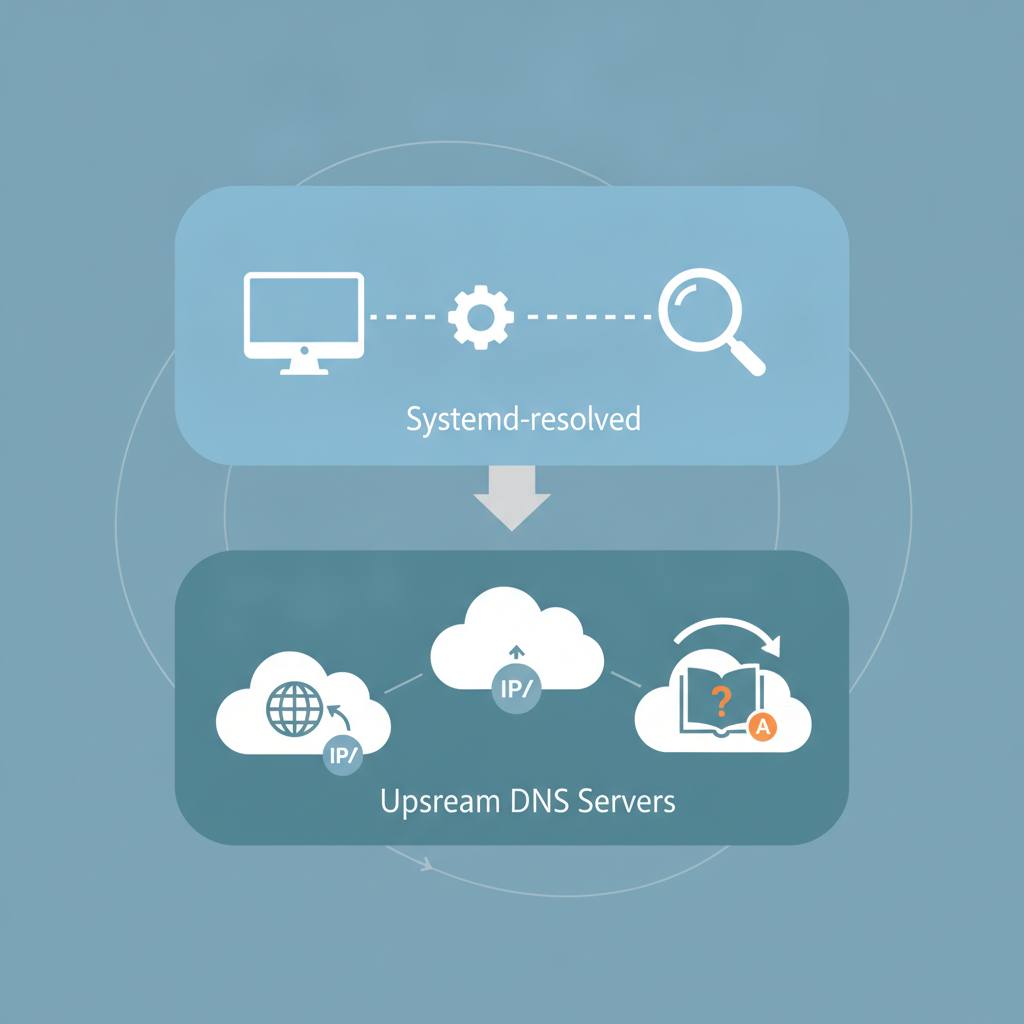
This '127.0.0.53' address is actually 'systemd-resolved' itself – a local caching DNS resolver running right on your server! It's the second layer. Think of it as your server's personal DNS assistant. 'systemd-resolved' is the one that then forwards your requests to the real upstream DNS servers, which it learns automatically from things like DHCP or your Netplan configuration.
This setup explains why 'dig' and 'ping' might sometimes give different answers: 'dig' bypasses the first C library layer and talks directly to 'systemd-resolved'. So, if you're trying to change your DNS servers, don't directly edit '/etc/resolv.conf'! 'systemd-resolved' will just rewrite it. The correct way is to configure your upstream servers through Netplan. You can also use commands like 'resolvectl status' to see which upstream servers 'systemd-resolved' is using, and 'resolvectl query' to see where a specific lookup came from. Understanding these two layers is key to troubleshooting and managing DNS on your Ubuntu 26.04 machine effectively.
Here's what this means for you: When your programs like 'ping', 'curl', or even your Python scripts try to resolve a hostname, they first use your system's C library. This library checks a list of sources, starting with your '/etc/hosts' file. If the name isn't there, it then 'asks DNS.' But 'asking DNS' doesn't mean talking directly to an external server. Instead, it looks at '/etc/resolv.conf', which, on Ubuntu 26.04, is a symlink pointing to a file managed by something called 'systemd-resolved'. This file tells it to use '127.0.0.53'.
This '127.0.0.53' address is actually 'systemd-resolved' itself – a local caching DNS resolver running right on your server! It's the second layer. Think of it as your server's personal DNS assistant. 'systemd-resolved' is the one that then forwards your requests to the real upstream DNS servers, which it learns automatically from things like DHCP or your Netplan configuration.
This setup explains why 'dig' and 'ping' might sometimes give different answers: 'dig' bypasses the first C library layer and talks directly to 'systemd-resolved'. So, if you're trying to change your DNS servers, don't directly edit '/etc/resolv.conf'! 'systemd-resolved' will just rewrite it. The correct way is to configure your upstream servers through Netplan. You can also use commands like 'resolvectl status' to see which upstream servers 'systemd-resolved' is using, and 'resolvectl query' to see where a specific lookup came from. Understanding these two layers is key to troubleshooting and managing DNS on your Ubuntu 26.04 machine effectively.