New development shows how to get stutter-free 1080p Google Drive video playback on budget Android TVs, solving annoying login issues and video stutters with clever tech.
Are you tired of stuttering videos when trying to watch your favorite Google Drive content on your Android TV? Or worse, do you remember the nightmare of logging into your Google account on the TV itself? Typing a super long email and a complex password using D-pad arrows took minutes, often failing because of two-factor authentication.
Well, the great news is that developers have found a smart way around these issues, and this means a much better experience for you. They’ve come up with a new system that makes logging in incredibly fast and video playback smooth, even on budget Android TVs with limited resources. The core idea is simple: instead of logging in directly on the TV, you use your smartphone to handle the authentication. The TV displays a unique 6-digit code, and then you use a companion app on your phone to securely sign into Google using your biometrics like face or fingerprint.
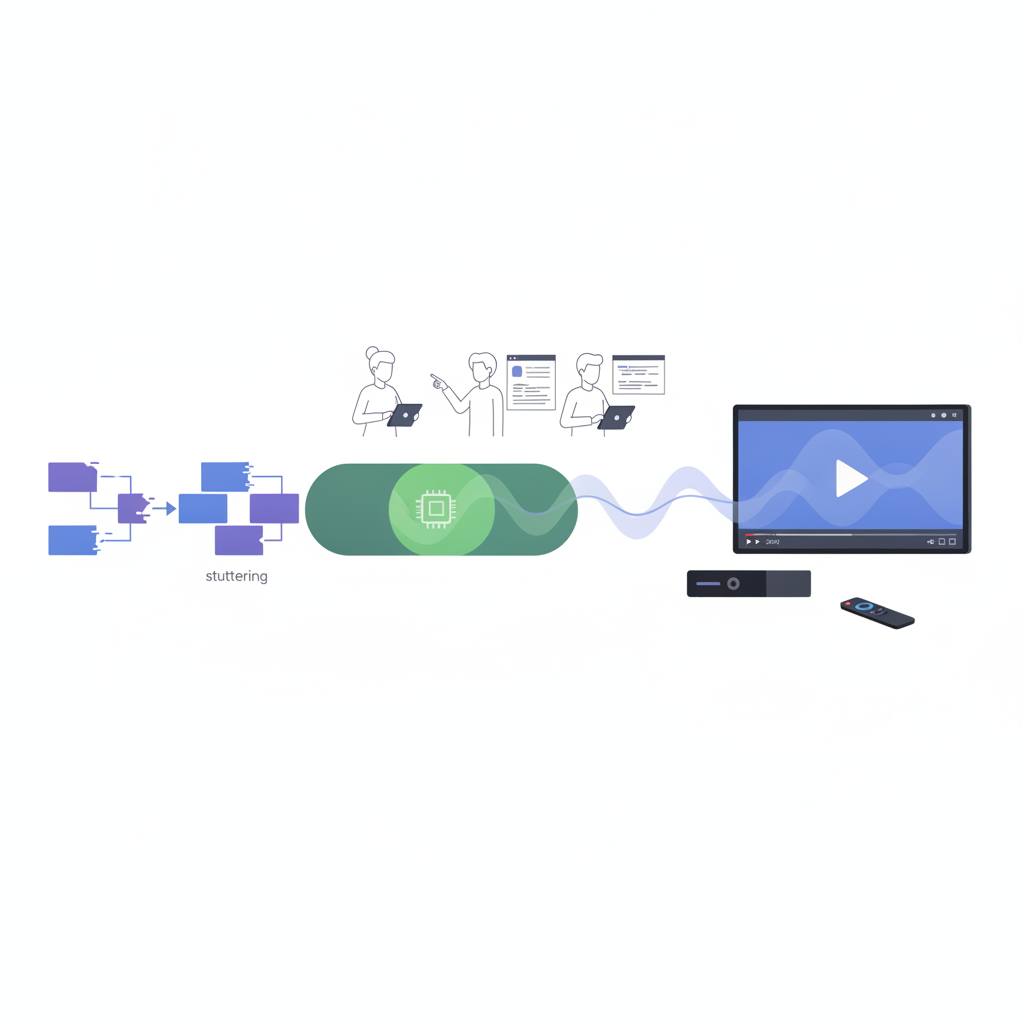
Once your phone authenticates, it securely sends 'read-only' tokens to the TV via Firebase, allowing the TV to connect directly to Google's servers and start streaming the video. All of this happens at an amazing speed, under 3.2 seconds for the full onboarding! But what about the stuttering problem? Developers discovered that one of the biggest pitfalls in Flutter TV development was rebuilding interface components that wrapped the native video player. Every time controls like the progress bar updated, the app would re-register the video player, causing annoying micro-stutters and audio-video desync, especially on less powerful TVs. The solution was to keep the native video player completely separate from any UI changes. Now, 1080p video streams seamlessly, without any interruptions. This means you get a truly enjoyable and frustration-free viewing experience on your Android TV, regardless of its budget.
Well, the great news is that developers have found a smart way around these issues, and this means a much better experience for you. They’ve come up with a new system that makes logging in incredibly fast and video playback smooth, even on budget Android TVs with limited resources. The core idea is simple: instead of logging in directly on the TV, you use your smartphone to handle the authentication. The TV displays a unique 6-digit code, and then you use a companion app on your phone to securely sign into Google using your biometrics like face or fingerprint.
Once your phone authenticates, it securely sends 'read-only' tokens to the TV via Firebase, allowing the TV to connect directly to Google's servers and start streaming the video. All of this happens at an amazing speed, under 3.2 seconds for the full onboarding! But what about the stuttering problem? Developers discovered that one of the biggest pitfalls in Flutter TV development was rebuilding interface components that wrapped the native video player. Every time controls like the progress bar updated, the app would re-register the video player, causing annoying micro-stutters and audio-video desync, especially on less powerful TVs. The solution was to keep the native video player completely separate from any UI changes. Now, 1080p video streams seamlessly, without any interruptions. This means you get a truly enjoyable and frustration-free viewing experience on your Android TV, regardless of its budget.